Issue 1: Unable to complete VKYC due to technical errors
1. Purpose
To guide SuperMoney agents in assisting customers who face VKYC errors after applying for the Axis SuperCard Pro, and to direct them correctly to Axis support when required.
2. Flow of Customer Journey
Customer applies for Axis SuperCard Pro on SuperMoney.
Customer is redirected to the Axis Platform to complete VKYC.
Physical PAN Card is mandatory for VKYC.
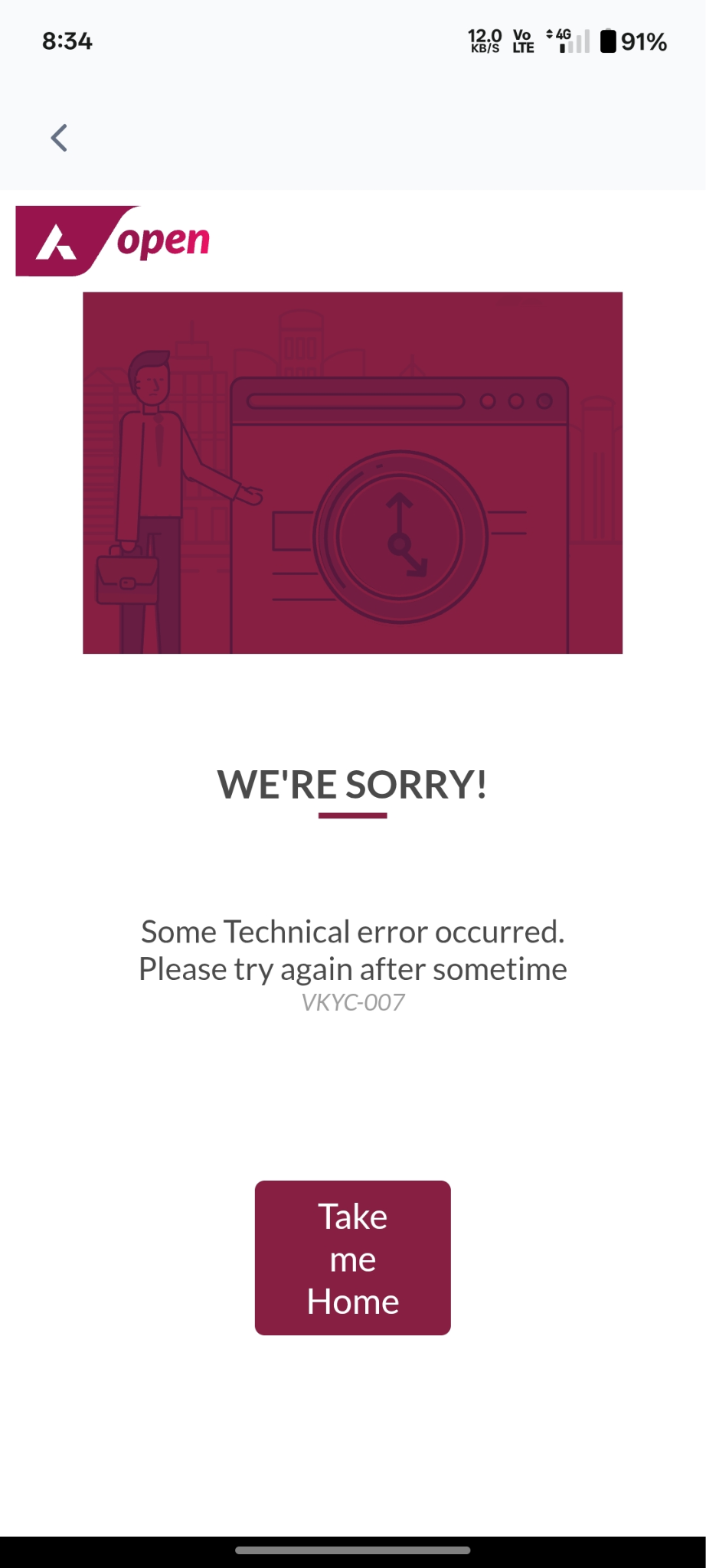
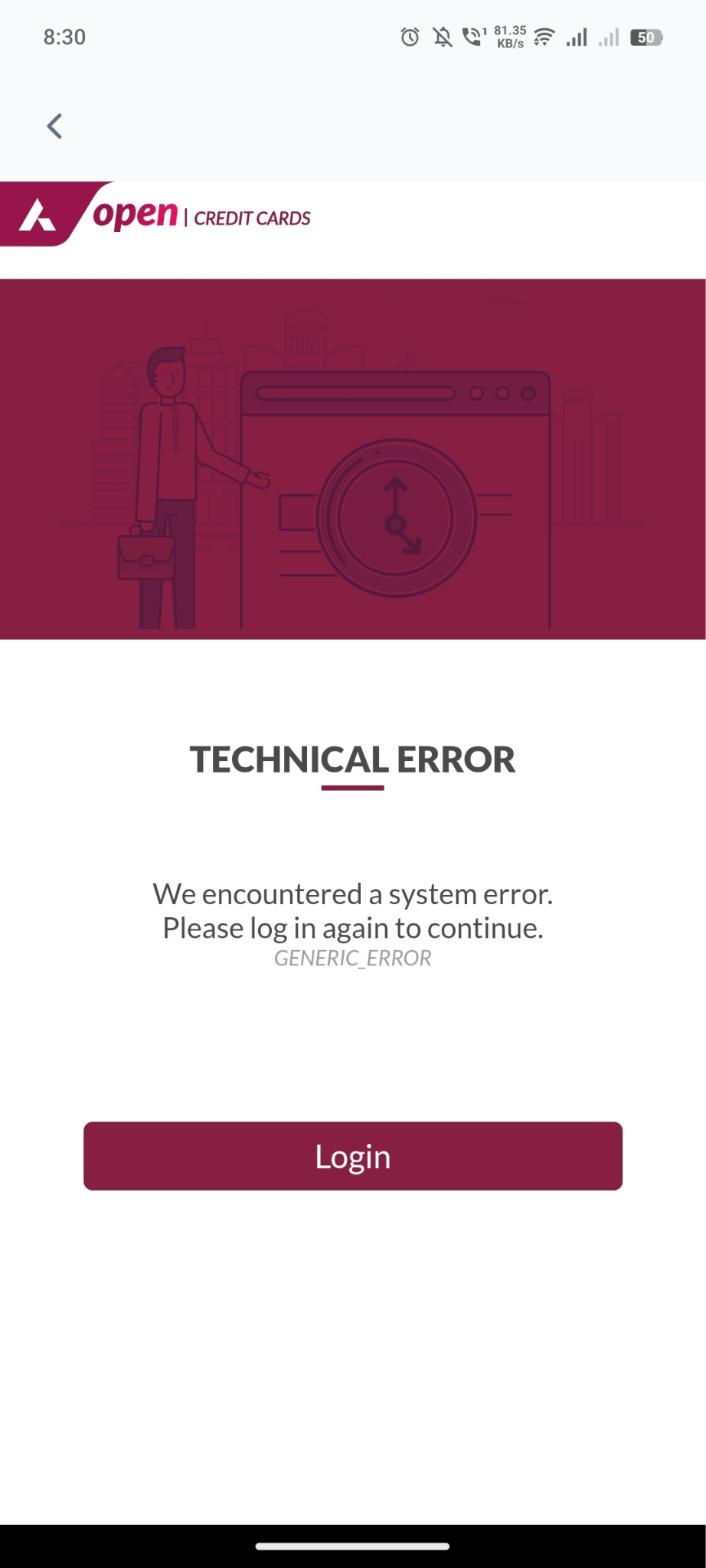
During VKYC/EKYC, customer may face errors (e.g., error code 0007/ generic error).
3. Agent Handling SOP
Step 1: Verification
Verify details (registered name, mobile number, and application ID if available).
Step 2: Understand Issue
Probe customer by asking:
“Can you please share the exact error message or error code you are seeing on the Access platform?”
Step 3: Identify Error Type
If error code is 0007 – Internal Issues, two possible sub-cases can occur:
VKYC session not starting / app not loading
EKYC documents not uploading / mismatch error
Step 4: Agent Action
For either case of 007 error/ generic error
Inform customer:
“This error indicates an internal issue at Axis end. You will need to contact Axis Bank support for further resolution.”
Share Axis customer support number:
Toll-Free Numbers:
1800 209 5577
1800 103 5577
4. Communication Script
Customer says: “I applied for the Super Pro card, but I’m getting error 0007 while doing VKYC.”
Agent reply:
“Thank you for sharing the details. Error 0007 usually indicates an internal issue at Axis Bank’s end.
If VKYC not loading:
“In this case, the issue needs to be resolved by Axis Bank support. Please reach out to Axis helpline for further resolution.”
5. Notes for Agents
Do not troubleshoot PAN mismatch, photo mismatch, or biometric failures → These are handled only by Axis.
Always capture customer details & type of error before redirecting.
Do not commit a timeline for resolution as it depends on Axis.
Was this article helpful?
That’s Great!
Thank you for your feedback
Sorry! We couldn't be helpful
Thank you for your feedback
Feedback sent
We appreciate your effort and will try to fix the article